

File by day. Pull selects by purpose.
A frame lives in one folder and in as many collections as you need, with no copies.
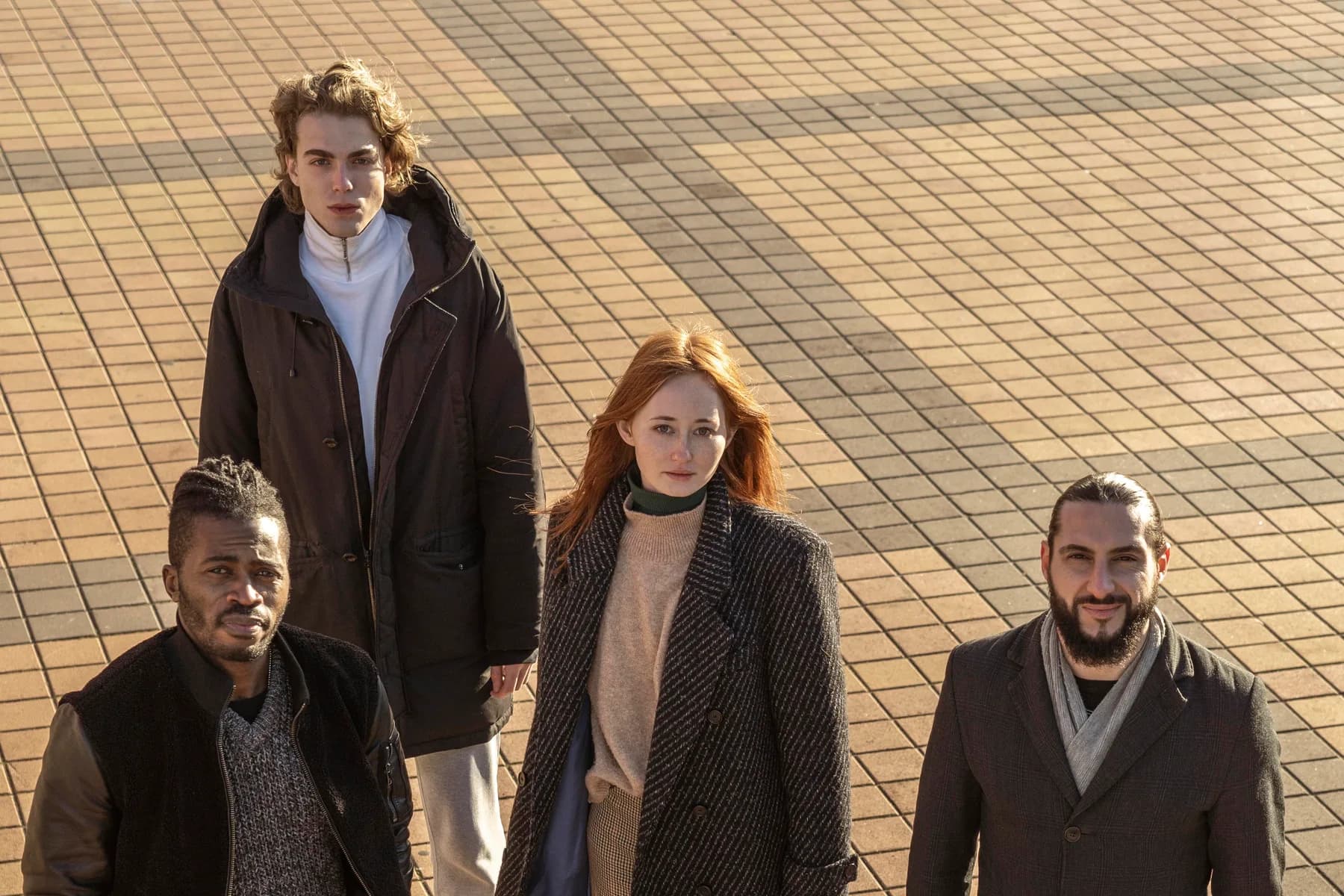
Photo: Dana Reyes · EP103 · Day 9
Folders hold the shoot day. Collections hold the selects.
One frame, three collections, no copies
Select a frame and add it to Hero Shots, then Client Selects, then Social Media. Each collection count goes up by one. The folder count stays where it was. It is one file. Press 4 to 9 to add the selected frames to a collection that has a shortcut.
A frame lives in one folder. Folders are one level, so the name carries the structure.




Delete a folder, keep the frames
Deleting a folder does not delete a photo. Its frames move back to the top level of the project and the frame count is the same. Reorganize a live project without losing a frame.






Choose what each person can do in a collection
You choose who is a member, and members come from your organization. For each person, set what they can do: view, edit, share or manage. Add only the people who should work on a Client Selects pick or a press package in progress. To reach someone outside your organization, share the collection as an export. Each recipient gets their own link and passcode.
Members come from your organization. Outside people get an export, not membership.
Folders
Create folders inside each project, such as Day 01, Day 02, BTS or Key art. Three facts cover them:
- Folders are one level. The name carries the structure.
- A frame lives in one folder.
- Deleting a folder keeps the frames. They move back to the top level of the project.
Upload into a folder, or select frames and move them. A move changes the folder only. Narrow a project to one day or one location, then search inside it.
Collections
A collection groups frames by purpose: client selects, social crops, a press package. A single photo can belong to Hero Shots, Client Selects and Social Media at once. One file, no copies.
Who can see a collection
Your team. You choose who is a member. Members come from your organization.
Outside your organization. Share the collection as an export and add recipients by email. Each one gets a private link and a passcode. See exports for delivery and download tracking.
Member permissions
When you invite someone to a collection, set what each person can do:
- View: Browse the collection and see every frame. Can't change anything.
- Edit: Add and remove frames, edit collection metadata. Can't share or manage other members.
- Share: Invite others to the collection and send an export.
- Manage: Manage members and permissions, including deleting the collection.
Use cases
Client deliveries
Create a collection, add your final selects, and share it to the client as an export. See exports for per-recipient downloads.
Shoot organization
Folders for each shooting day. Collections for each scene or talent, with the same photos added to as many as you need. One file, no copies.
Press packages
Build press package collections from your selects and share them as an export to each publicist.
Who this is for
Unit publicists assembling press packages from selects. Photo editors filing by day and pulling selects by purpose for key art and client deliveries.
Questions
- Can the same photo be in more than one collection?
- Yes. Add one photo to Hero Shots, Client Selects and Social Media and it stays a single file. Each collection count goes up by one.
- Can a photo be in more than one folder?
- No. A frame lives in one folder. Use collections for picks that cut across folders.
- What happens to photos if I delete a folder?
- The photos stay. They move back to the top level of the project.
- Can I nest folders?
- No. Folders are one level inside each project. Name them for the structure, such as Day 03 - Warehouse.
- Who can see a collection, and how do I send one to a client?
- Members you add from your organization. Outside people are not members; to send them the collection, use Share to create an export. Each recipient gets their own link and passcode, and the link expires 7 days after the export is made.
Tell us what you're shooting next.
Start with one title. Upload a shoot, bring its metadata in from a CSV, and confirm the cast. Then decide.
A person on our team reads it and writes back.